

New Zealand -> Call us: +64-9-3021142
Email us: [email protected]
-------------
North America -> Call us: +1-805-907-6707
Email us: [email protected]
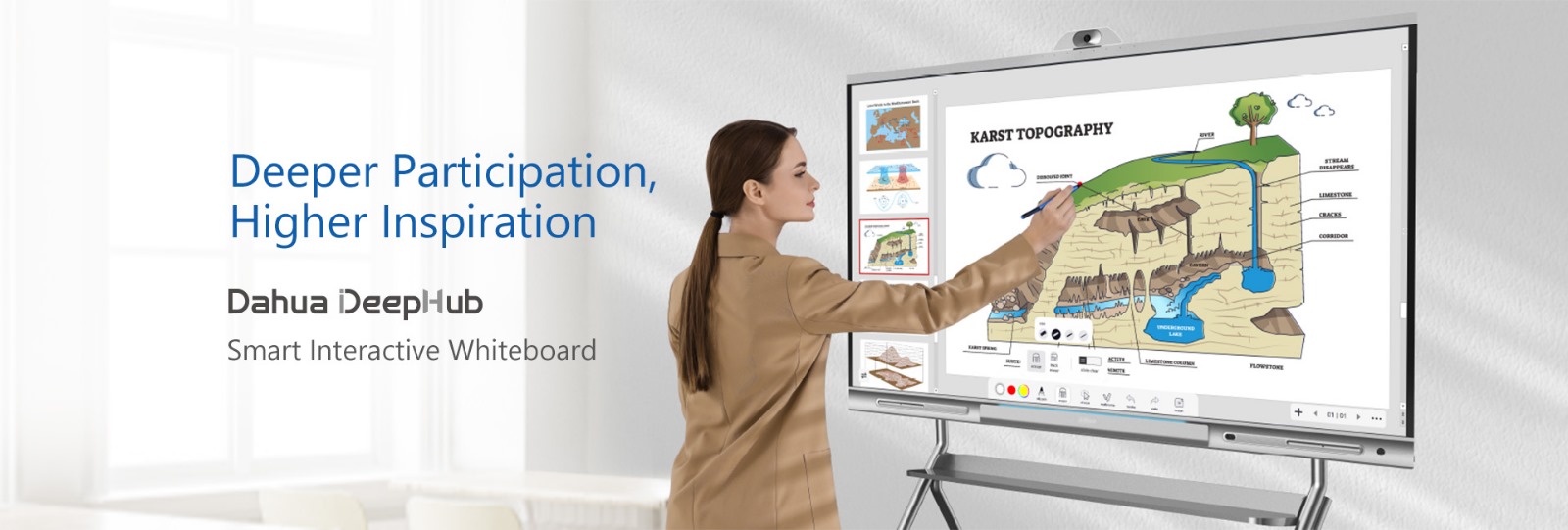
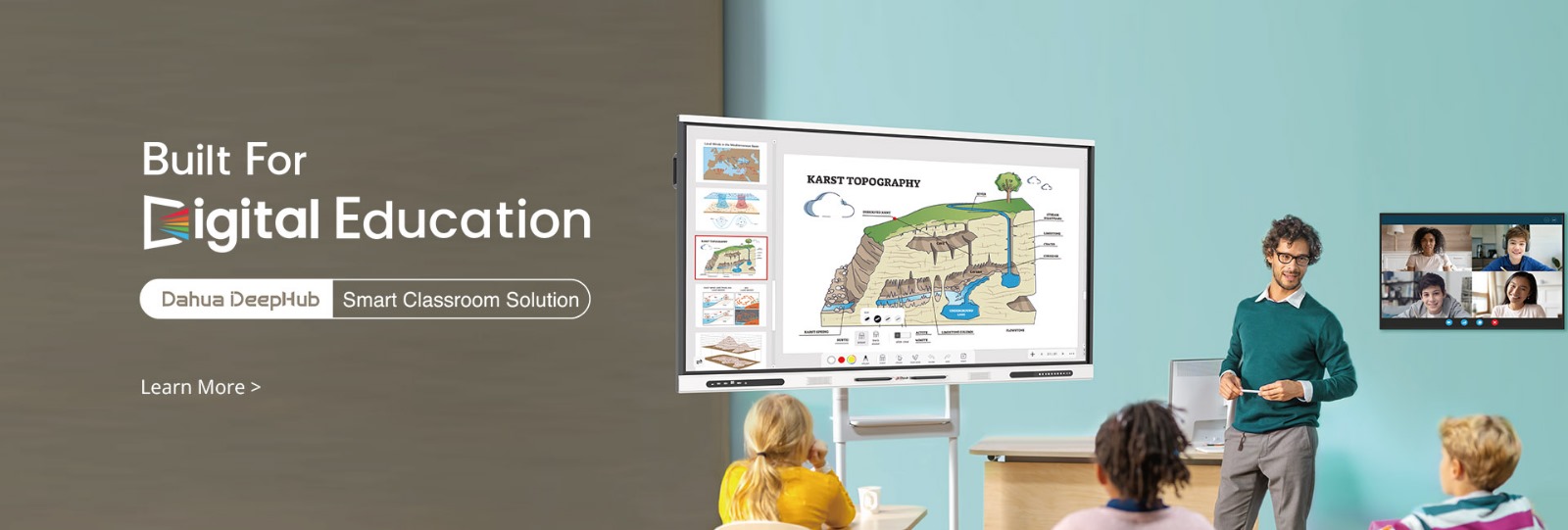
Through the use of interactive whiteboards, today’s classrooms are changing how teachers teach; provide multimedia lessons for students; work together with students much easier; and have fun creating an enjoyable and engaging lesson. If your school or university is searching for high-tech digital classroom tools, check out all of our Interactive Whiteboard products to see what is available for each industry and type of learning environment.


Our Educational interactive whiteboards bring dynamic communication and productivity into:
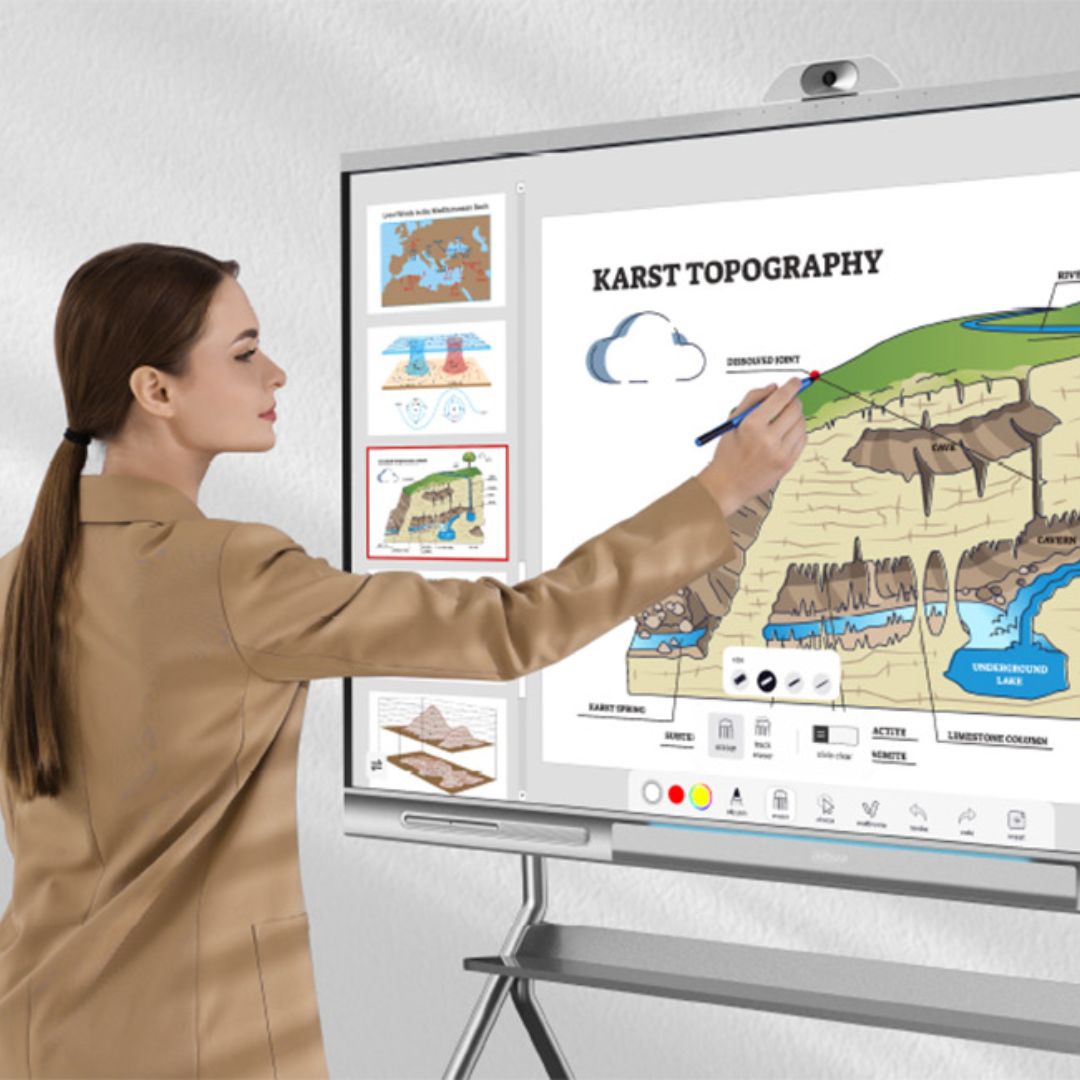
From science to social studies, our smart whiteboards make every subject more visual and interactive.
Together with Dahua, WiPath delivers a complete solution—from consultation to post-installation training—ensuring every school gets the right tools, tailored to their teaching methods and space.

Scientists can use Interactive whiteboards to visualize data during their scientific research, analyze results and work collaboratively on complicated projects. In addition, these types of displays allow scientists to share ideas, present results and collaborate more effectively in laboratories and research organizations.
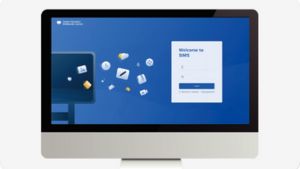
Companies use interactive whiteboards for corporate meetings which improves overall productivity, presentations, and team collaboration. These displays allow teams to share ideas, annotate documents, and brainstorm visually, helping organisations communicate and make decisions more effectively.

Communicating with each other, sharing information about patients, and working together effectively are some ways that interactive whiteboards in healthcare can help teams within an organization accomplish their goals. This means that healthcare providers (doctors, nurses) will be able to access and share information about patients instantly, as well as plan and coordinate .

Interactive whiteboards for hospitality help hotels, resorts, and conference venues improve communication, staff training, and guest engagement. These smart displays can be used for digital concierge services, event schedules, interactive menus, and team collaboration, creating a more efficient and modern hospitality experience.
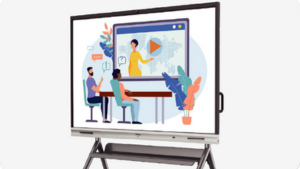
Government organizations can benefit from using interactive whiteboards to improve collaboration among their various departments, improve training for employees and increase public communication. Government employees can use these products to provide presentations, policy development and training for employees, present community events and engage with their communities.
Digital learning devices, called interactive whiteboards, enable both teachers and students to create content and/or perform various types of digital tasks together. Through interactive whiteboards, students create visual representations by drawing, writing, and presenting lessons, thereby enhancing student engagement and comprehension.
Interactive whiteboards enhance student learning through increased creativity, engagement, and interactivity resulting in what is often called multisensory learning. They are valuable tools for students seeking to improve their concentration level, acquire retention skills, learn in multiple modalities, such as through visual, kinesthetic, or auditory means, and develop study skills.
Interactive whiteboards may be used in all levels of education, including elementary schools, middle schools and high schools, as well as colleges and adult education programs that deliver courses via an internet connection either in–person or through video conferencing technology.
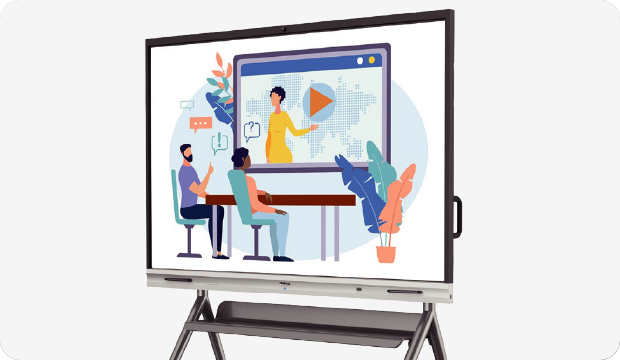
Yes. Teachers can leverage this technology to share instructor‘s screen with all students connected to a video conferencing platform and to provide real–time annotations of slides.
No. Most interactive whiteboards are designed for ease of use. Teachers can use them with minimal training. In fact, many manufacturers include simple tools to facilitate instructors writing on the screen, presenting a lesson, or saving an annotated lesson.
When selecting an interactive whiteboard, schools should evaluate the product based upon its functionalities, such as multiple–user touch capability, high-quality display, built-in teaching tools, and wireless screen sharing capabilities. In addition to these features, schools should consider how easily a user can connect their laptop or tablet device with an interactive whiteboard; they should look for the unit‘s compatibility with both Apple and Microsoft operating systems as well as with standardized educational programs.
Yes, students will write, create drawings, solve problems and participate in group work. Many interactive whiteboards allow multiple users to write on them at once.
They provide visual learners with images and videos, auditory learners with audio and kinesthetic learners with the opportunity to interact with the whiteboard.
Most interactive whiteboards can connect to computers, projectors, tablets and educational software. Many also allow for file sharing through the cloud.
Teachers can save their notes, annotations and PowerPoints. These saved items can be reused in future classes or shared with students for study.
Reach us anytime at +64-9-3021142.