Interactive whiteboards
for Corporates

Revolutionise Your Meetings with Interactive Whiteboards

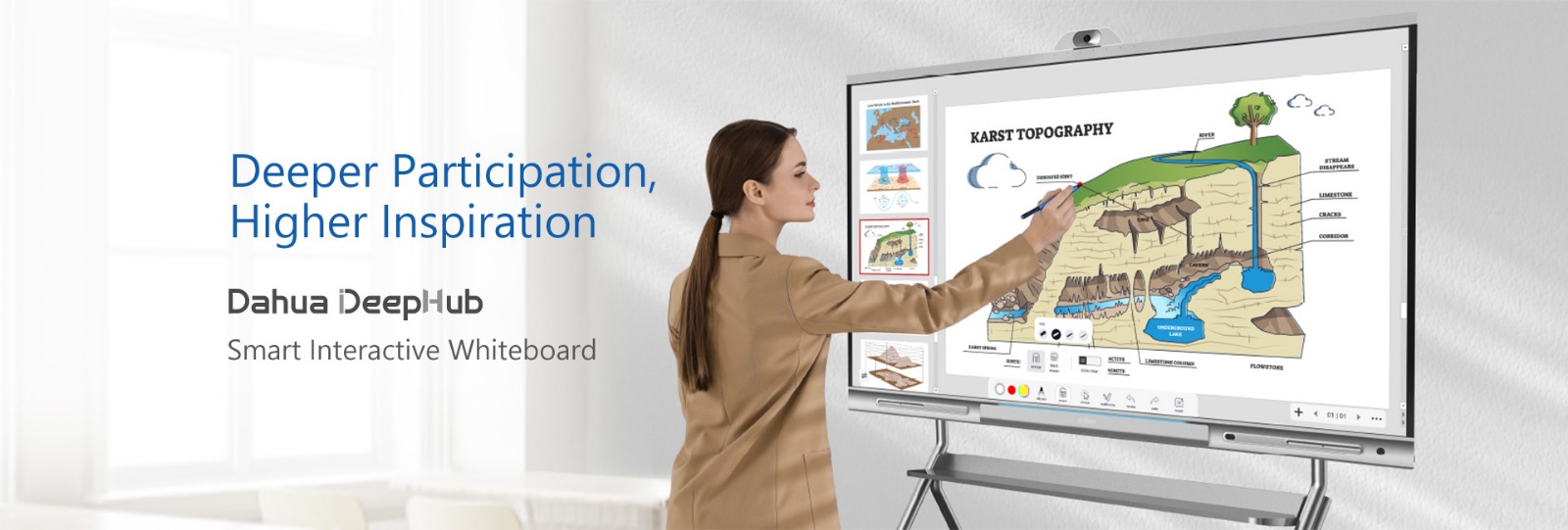
Upgrade your boardrooms, collaboration zones, and conference halls with WiPath’s smart whiteboards—designed for modern corporate efficiency.

Schools Served
100 +
Countries
15 +
Integrations
100 +
Products
30 +
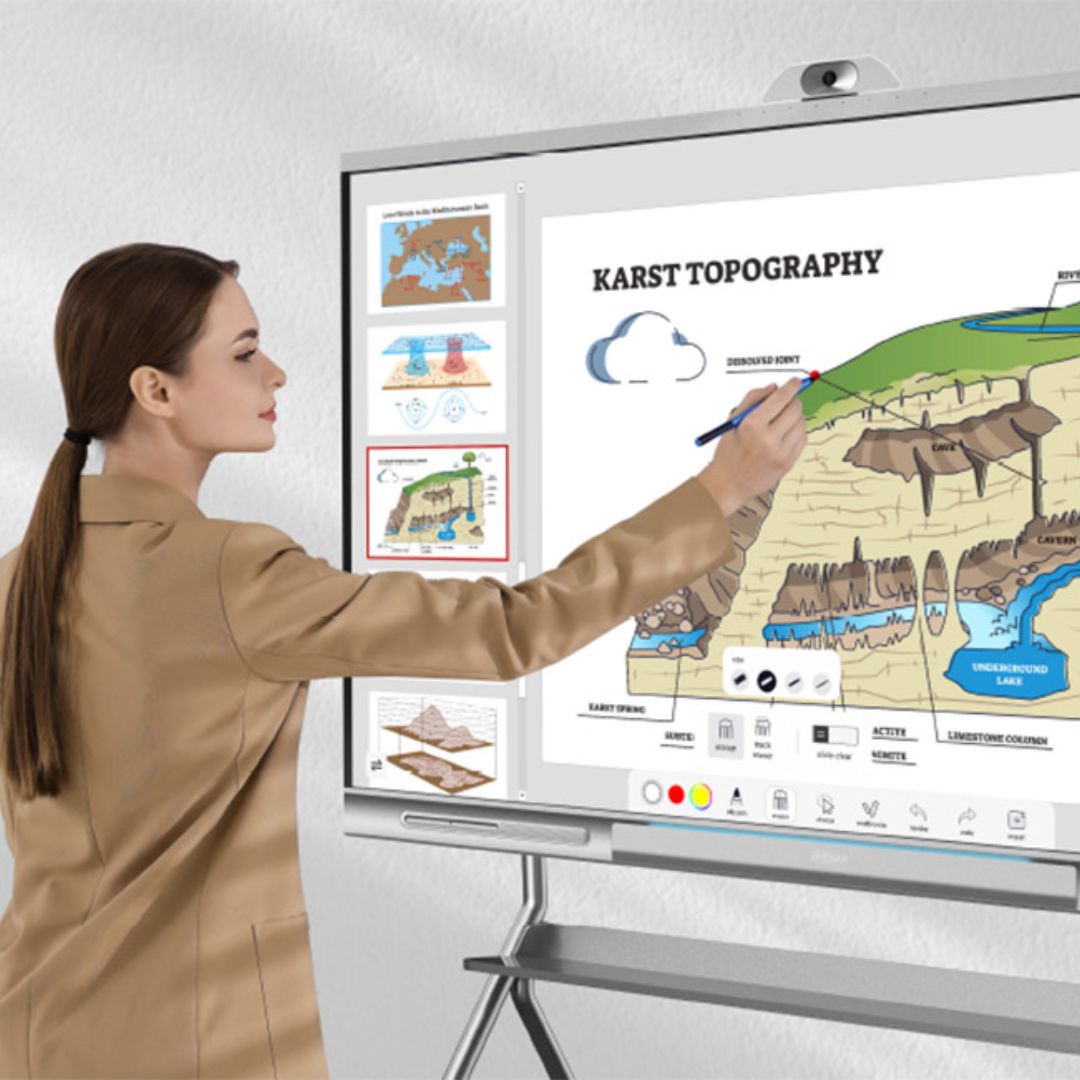
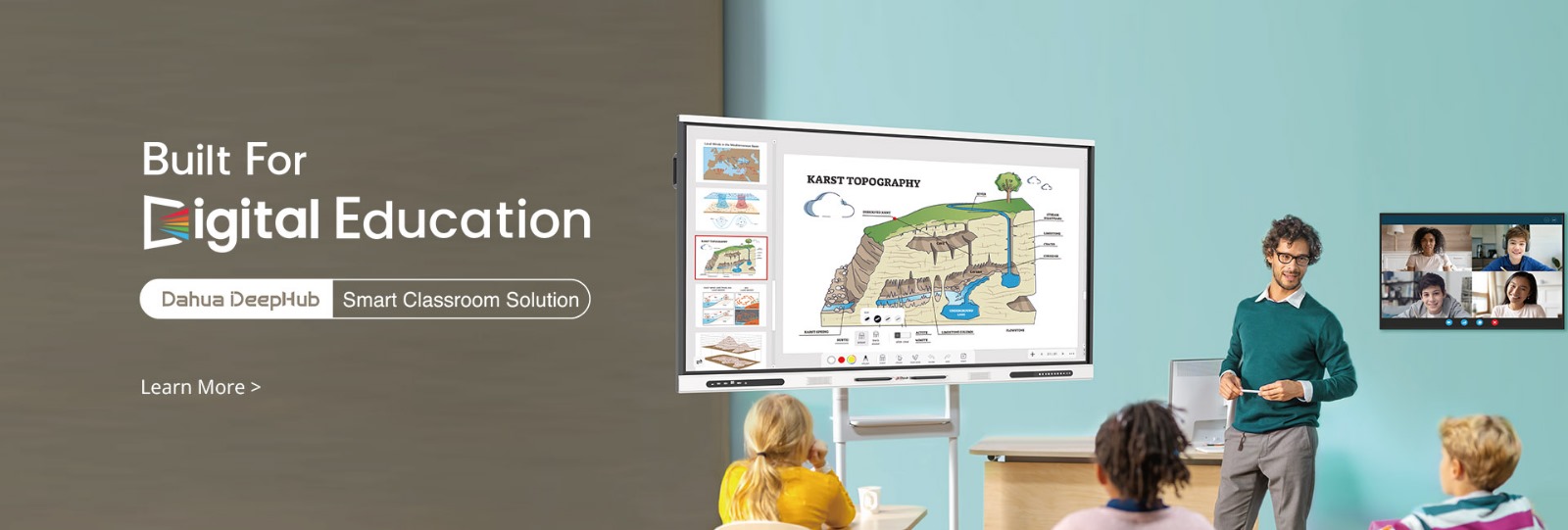
WiPath interactive whiteboard for classrooms and meeting rooms

Why Choose WiPath for Your Corporate Environment?

WiPath brings powerful collaboration tools to the heart of your workplace. Our interactive whiteboards are designed to inspire participation, accelerate decision-making, and streamline hybrid workflows.

Built for Every Corporate Space

No matter the size or structure of your team, WiPath whiteboards support smarter communication and faster decisions:

Powered by Dahua Technology & WiPath

In partnership with Dahua, a global leader in interactive and smart display systems, WiPath ensures your organisation gets enterprise-grade technology, fully integrated, secured, and locally supported in New Zealand.

Key Product Features

Where Can You Use It?

Science Labs & Practical Rooms

Whiteboards that allow interaction in science laboratories can assist students and researchers in visualizing complex concepts while performing simulations or practicing data analysis during their experiments. In addition, these boards increase engagement in hands-on learning opportunities by enabling users to annotate and take notes on pictures; conduct experiments; and cooperate with others.

Staff Rooms & Meeting Areas

The integration of interactive whiteboards into staff rooms and meeting areas allows for effortless collaboration amongst educational professionals and teams. Smart displays greatly enhance communication and productivity in terms of everything from lesson preparation to presentations and all types of brainstorming activities. it speeds up decision-making and improves communication across teams.

Security/Control Rooms

All operations, live data representations and coordinated responses can be displayed on an Interactive or Smart Board. The entire team can analyze information quickly, add notes and make real-time decisions in times of critical need.Multiple data sources—such as surveillance feeds, system dashboards, and alerts—can be displayed on a single screen, making it easier to track everything easily in real time.

Library & Resource Rooms

The library becomes a vibrant centre of learning through the use of interactive whiteboards. Students have access to digital information and enhanced opportunities to work together on projects and research in an exciting and effective manner. Students can collaborate with other students by accessing digital content, completing group projects and participating in group discussions through the use of the interactive whiteboard.

Assembly & Multipurpose Halls

Interactive Whiteboards are perfect for large areas, such as assembly halls or multipurpose rooms, because they provide an opportunity for high quality presentations to be delivered to an audience. They offer the ability for people to see and interact with the content in real-time through the display, therefore providing a more engaging experience for those attending an event with a larger audience.

What Makes WiPath Different?

Please contact us about your requirements.
Ready to Modernise Your Organization with Interactive Whiteboards?

Reach us anytime at +64-9-3021142.


Ready to Modernise Your Organization with Interactive Whiteboards?

Reach us anytime at +64-9-3021142.

FAQs

Questions we’re often asked

1. What is an interactive whiteboard used for in corporate offices?

In a corporate setting, you would use an interactive whiteboard for various functions such as conducting presentations, sharing brainstorming ideas, conducting team meetings, conducting training seminars, and conducting videoconferencing. Interactive whiteboards allow teams to engage in real time with one another by writing and annotating each other’s work, as well as the ability to collaborate as a group through a shared display.

2. How do interactive whiteboards improve business meetings?

Interactive whiteboards enhance business meetings by providing opportunities for teams to collaborate in real-time, share screens, and create instant notes, therefore, improving the quality and productivity of those meetings. Teams are able to interact and collaborate directly with the contents of the meeting, reducing chances of miscommunication, and speeding up the decision-making process.

3. Can interactive whiteboards be used for video conferencing?

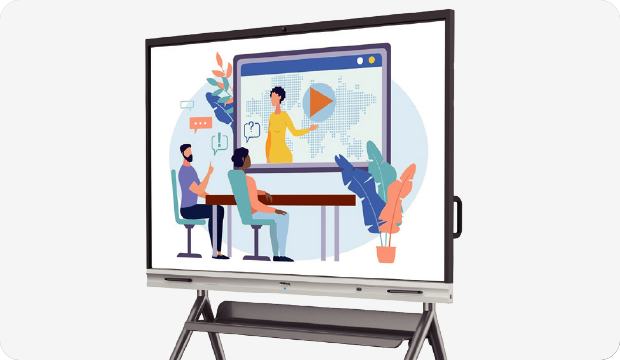
Yes. Most current interactive whiteboards come equipped with software that allows the user to use the interactive whiteboard with platforms such as Zoom, Microsoft Teams, and Google Meet. They typically come installed with built-in cameras, microphones, and screen-sharing capabilities, thus allowing for the ability to participate in hybrid meetings without interruptions or complications.

4. Are interactive whiteboards suitable for remote and hybrid teams?

Interactive whiteboards are excellent options for remote/hybrid work environments. Teams in hybrid work situations can interact real-time with each other, communicate using screen-sharing, and provide access to the same content regardless of where they are located (i.e. at home, in the office, etc.).

5. What features should businesses consider when evaluating interactive whiteboards?

When evaluating interactive whiteboards, businesses should consider the following features: 4K HD display, multi-touch screen options (at least 10 simultaneous touches), seamless wireless screen-sharing capabilities, effortless integration with videoconferencing applications, the ability to save content from previous meetings in the cloud, and simple connectivity to other devices.

6. Can multiple people use an interactive whiteboard at the same time?

Yes! With today’s technology modern-day Interactive Whiteboards enable collaborative activities that allow you to create and share information with multiple users all at the same time in your meetings or brainstorming sessions.

7. Can you save and share meeting notes from an interactive whiteboard?

Yes! All of the notes, images, and documents created during a client meeting can easily be saved digitally as an image file and then emailed to all of your clients via either email or cloud platforms such as Google Drive, making future reference to these topics easily accessible.

8. Do interactive whiteboards require special training to use?

Yes! All of the notes, images, and documents created during a client meeting can easily be saved digitally as an image file and then emailed to all of your clients via either email or cloud platforms such as Google Drive, making future reference to these topics easily accessible.

9. How do interactive whiteboards increase productivity in businesses?

They reduce meeting time, improve collaboration, and allow faster decision-making by combining presentation, communication, and collaboration tools in one place.

10. Are interactive whiteboards worth the investment for companies?

Yes, they improve collaboration, enhance communication, and streamline workflows, which can lead to better efficiency and long-term return on investment.

Scroll to Top